Versions, files, and search
Compare and restore page versions, upload and preview files, and search across accessible KNOW spaces.
Version history
Open Version history from the page menu (⋯) to:
- Save a version by hand with Save version; publishing a page also saves one. Versions are never saved automatically while you type.
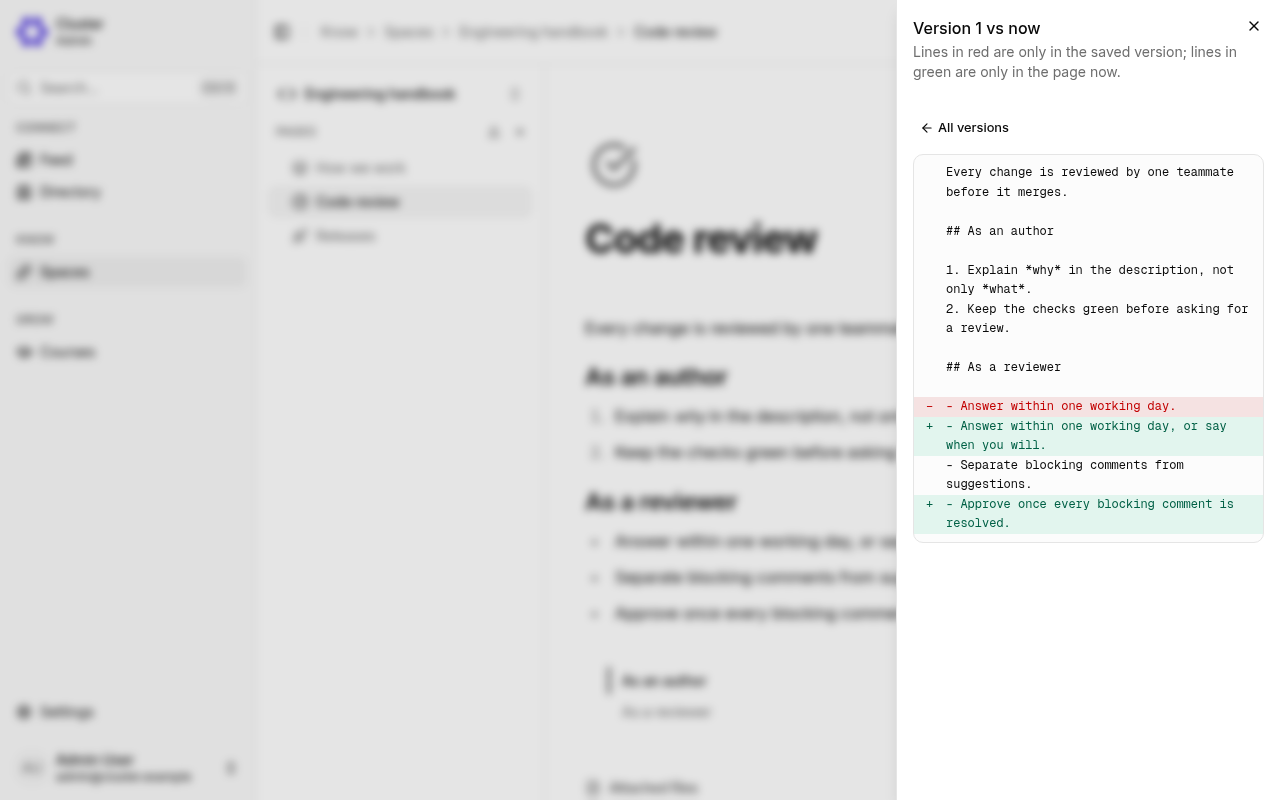
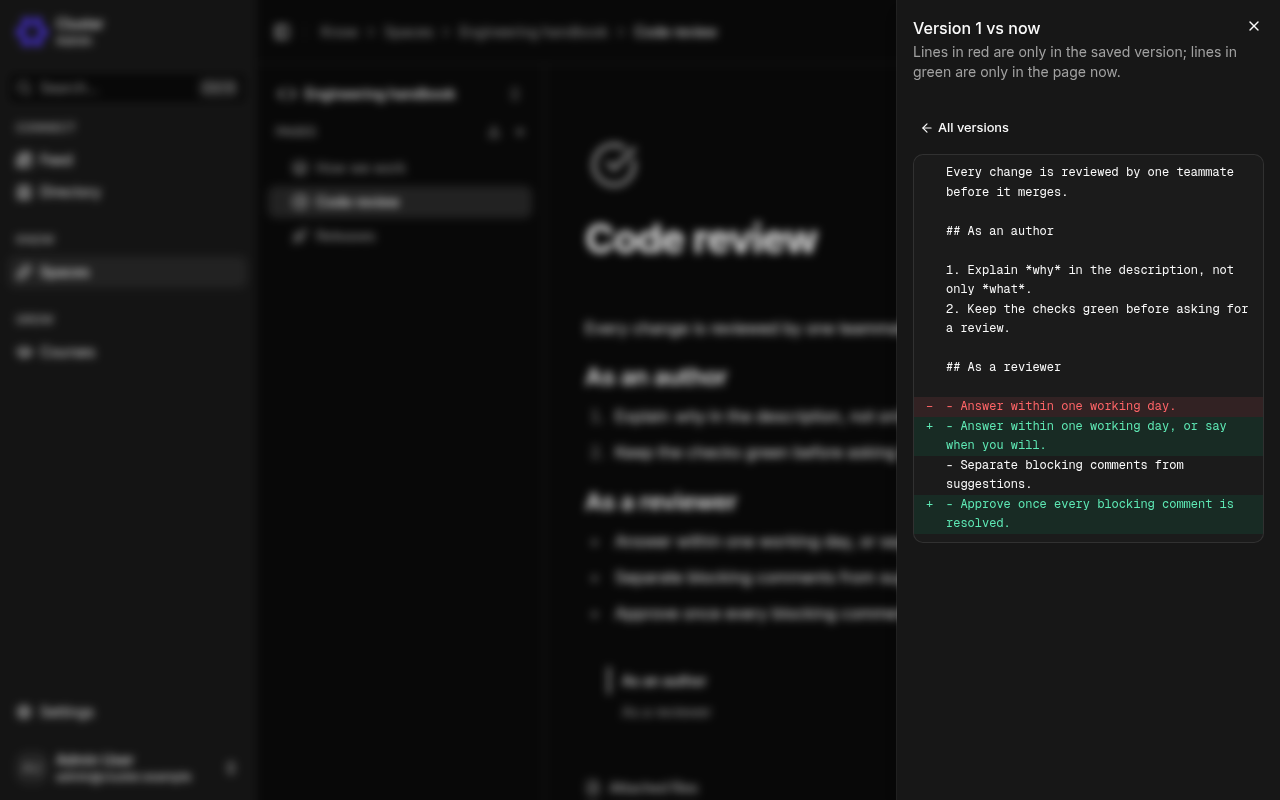
- Compare any saved version against the current page with a line-by-line diff (additions in green, removals in red).
- Restore a previous version, even while other people have the page open in realtime editing.
Files and previews
Pages and space homepages support both inline images and attached files:
- In-app viewer: common image formats (JPEG, PNG, WebP, GIF, BMP, AVIF) and PDF documents open directly in the in-app viewer.
- Downloads: other document types (Word, Excel, PowerPoint, Power BI, CSV, TXT, ZIP, HEIC, SVG) download directly.
- Every file download checks your active session and space/page access.
Search
Open Search inside KNOW to find published pages (and drafts you can edit) across all spaces you have access to, or filter by a specific space.