Organization and theme
Configure your organization's name, logo, default language, time zone, modules, 2FA policy, and appearance.
Organization administrators manage general settings from Settings → Organization and Settings → Appearance.
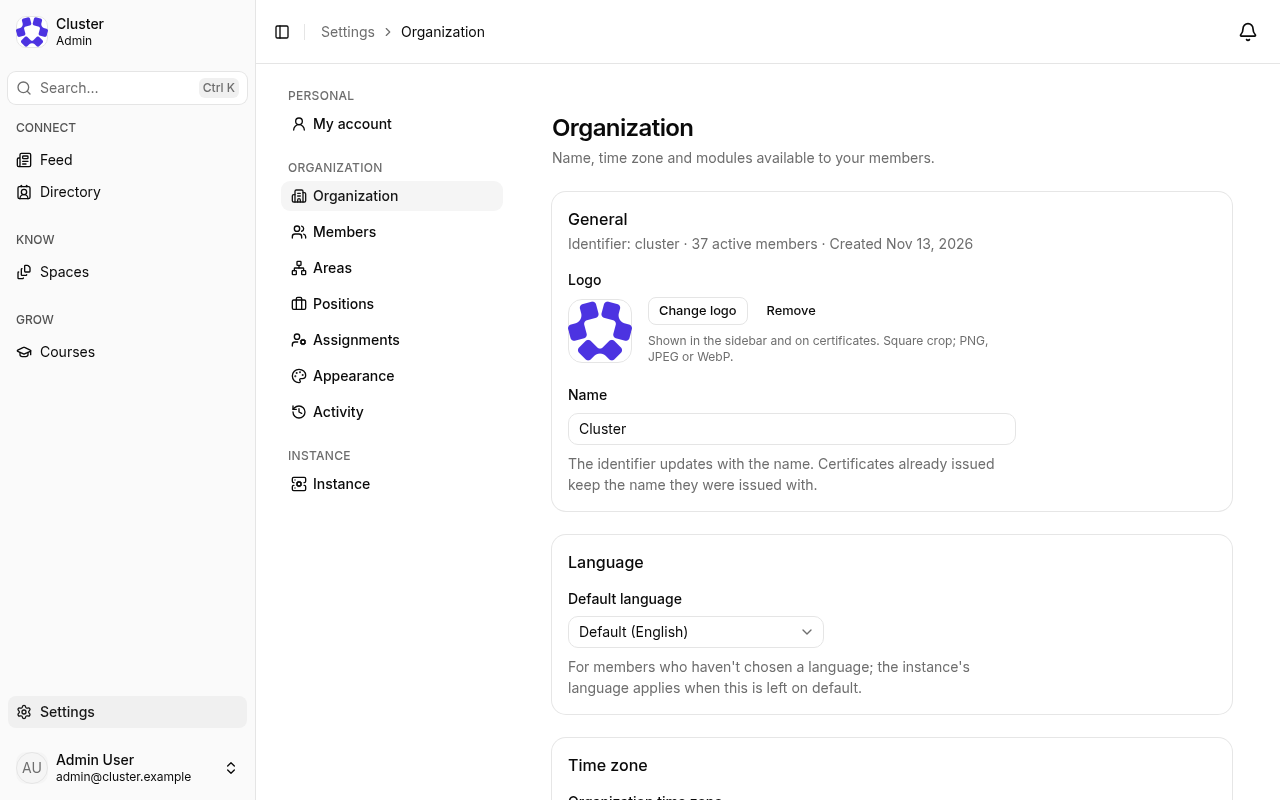
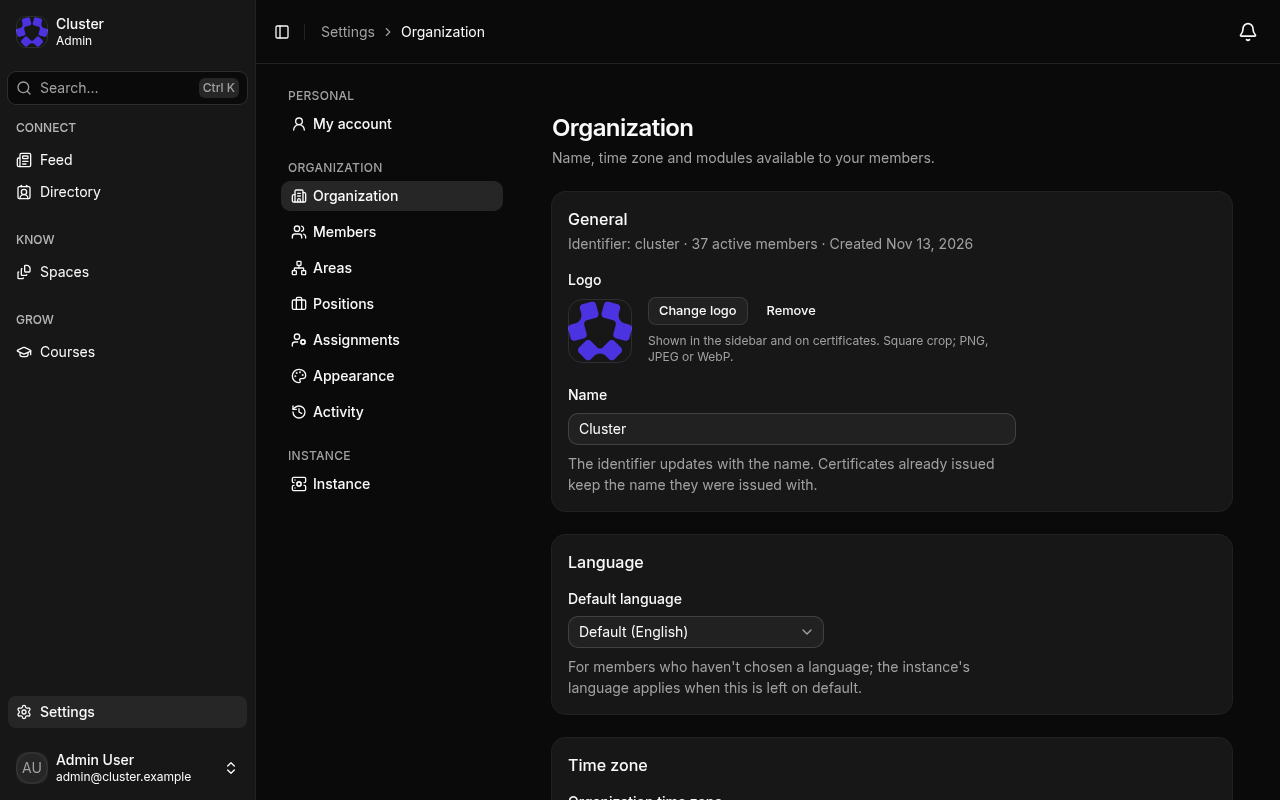
General settings
In Settings → Organization:
- Name: updates the organization's display name and identifier. Already-issued GROW certificates keep the organization name they were issued with.
- Logo: upload a square-cropped logo shown in the navigation sidebar.
- Language & Time zone: set the organization's default language (English or Español) and time zone. Members inherit these unless they set their own in My account.
- Modules: toggle KNOW, GROW, CONNECT, or LIFE on or off (limited to modules enabled on the instance). Disabling a module hides it from navigation and blocks its API routes while preserving existing content.
Security and personal data policies
- Require two-step verification for administrators: when enabled, any administrator who has not enrolled in 2FA is prompted to set it up on their next sign-in.
- Members can edit their personal data: controls whether members can edit their own name, photo, phone, and bio. When turned off, only administrators edit those fields, while language and privacy preferences remain with each member.
Changes to Modules, Security, Personal data, and Celebrations apply immediately or via the unsaved-changes bar depending on the section; use Discard changes to revert unapplied edits.
Appearance and branding
If the superadmin has enabled organization theming on the instance, Settings → Appearance lets administrators customize:
- Brand colours: pick a preset (Indigo, Blue, Teal, Green, Amber, Pink, Slate) or set custom primary and secondary colors. Cluster checks contrast automatically.
- Font and corners: choose the font family and border radius.
Any field left unset inherits the instance theme. Issued GROW certificates also pick up your organization's effective accent color.