Courses and lessons
Create GROW courses with sections, rich-text, video, and file lessons, configure completion rules, and publish.
Authors with the Manage courses permission (or administrators) create and manage courses from Learning → Manage.
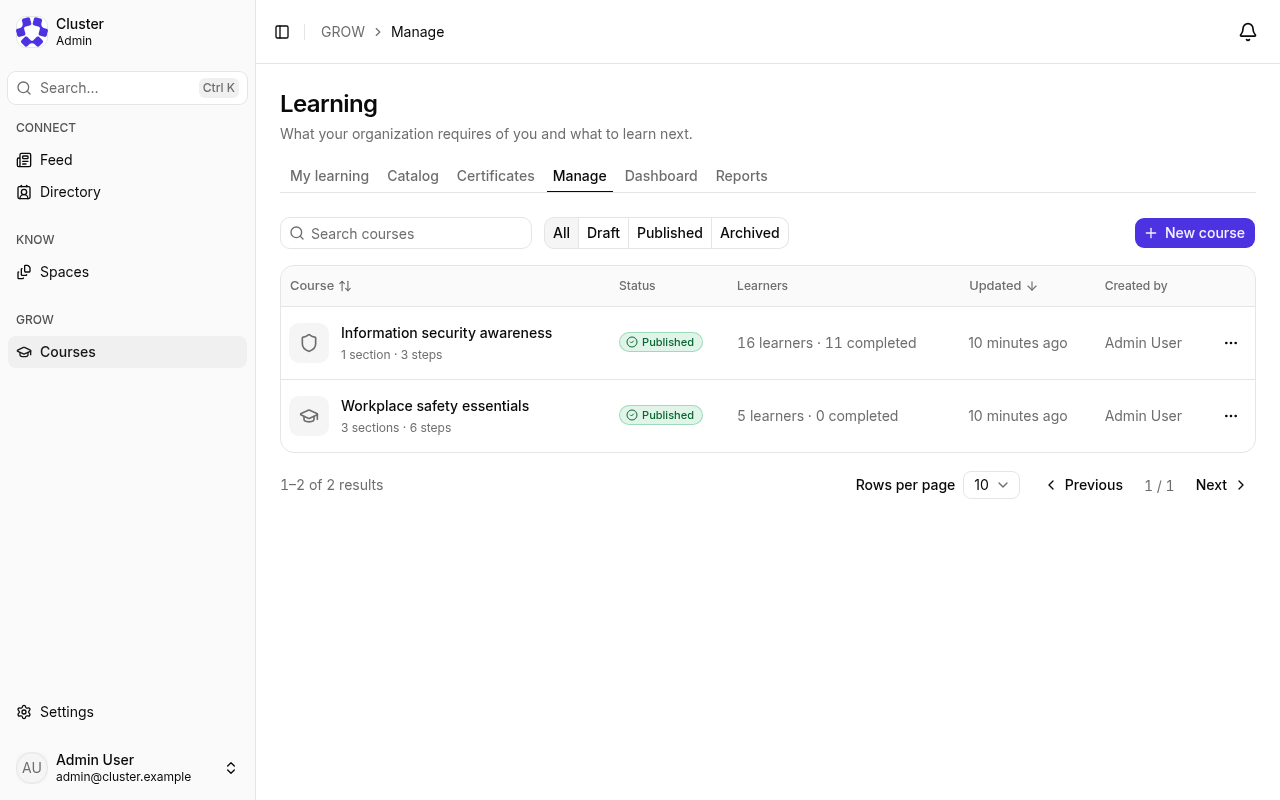
Course outline and lesson types
A course is organized into Sections containing Lessons and Quizzes. Each lesson supports one content type:
| Type | What it contains |
|---|---|
| Text | Rich-text lesson content with headings, lists, tables, and inline images. |
| Video link | Embedded external video URL. |
| Uploaded video | MP4 or WebM video (up to 1 GB) uploaded directly to Cluster and streamed with byte-range seeking. |
| Files | Downloadable or previewable lesson materials (PDF, documents, slides, images). |
Course settings and publishing
In the course editor's Settings tab:
- Sequential order: require learners to complete each step in order before unlocking the next one.
- Restricted: hide the course from the general Catalog so only assigned learners can access it.
- Issues certificate: automatically issue a PDF certificate when the learner completes the course.
Click Preview to inspect the learner view, and Publish when the course is ready. If you edit the outline of a published course later, existing learners' progress is reconciled automatically.