Quizzes and assignments
Add graded or reviewed quizzes to courses and assign mandatory training to people, areas, or positions.
Quizzes
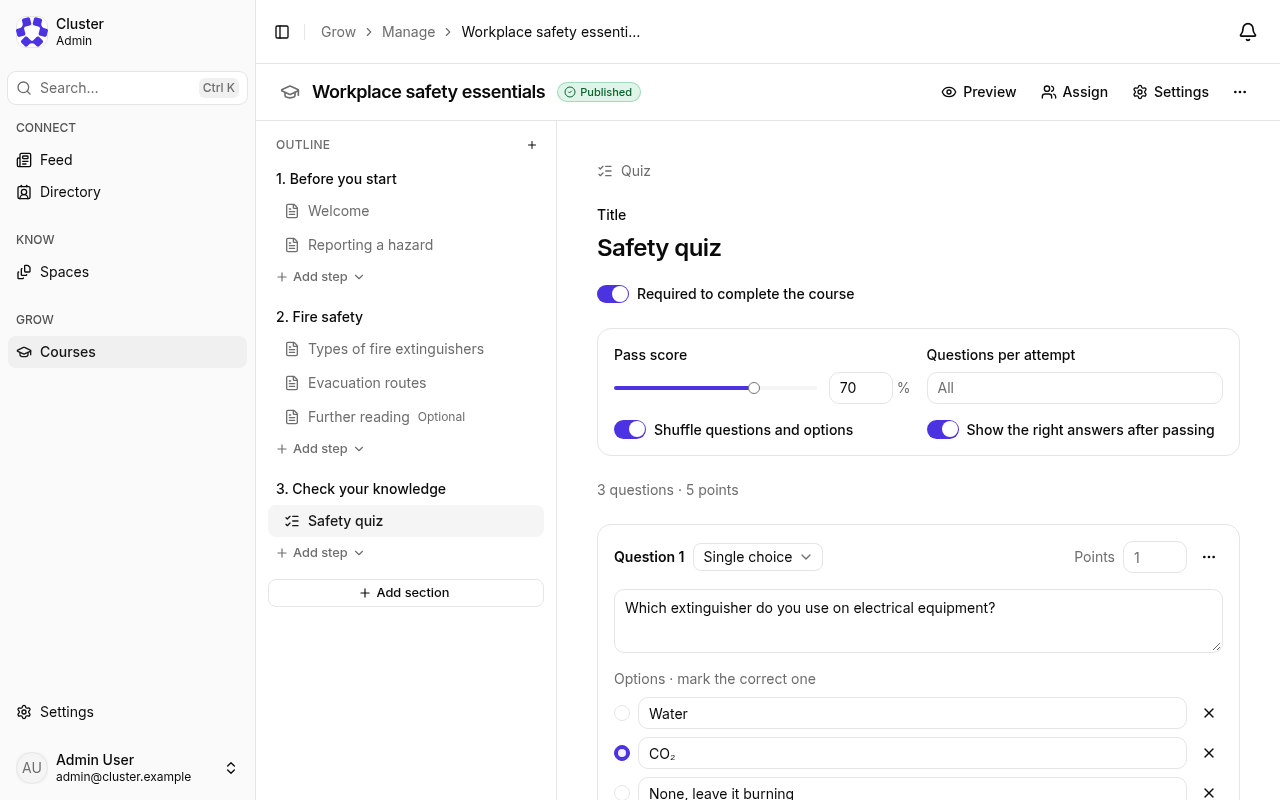
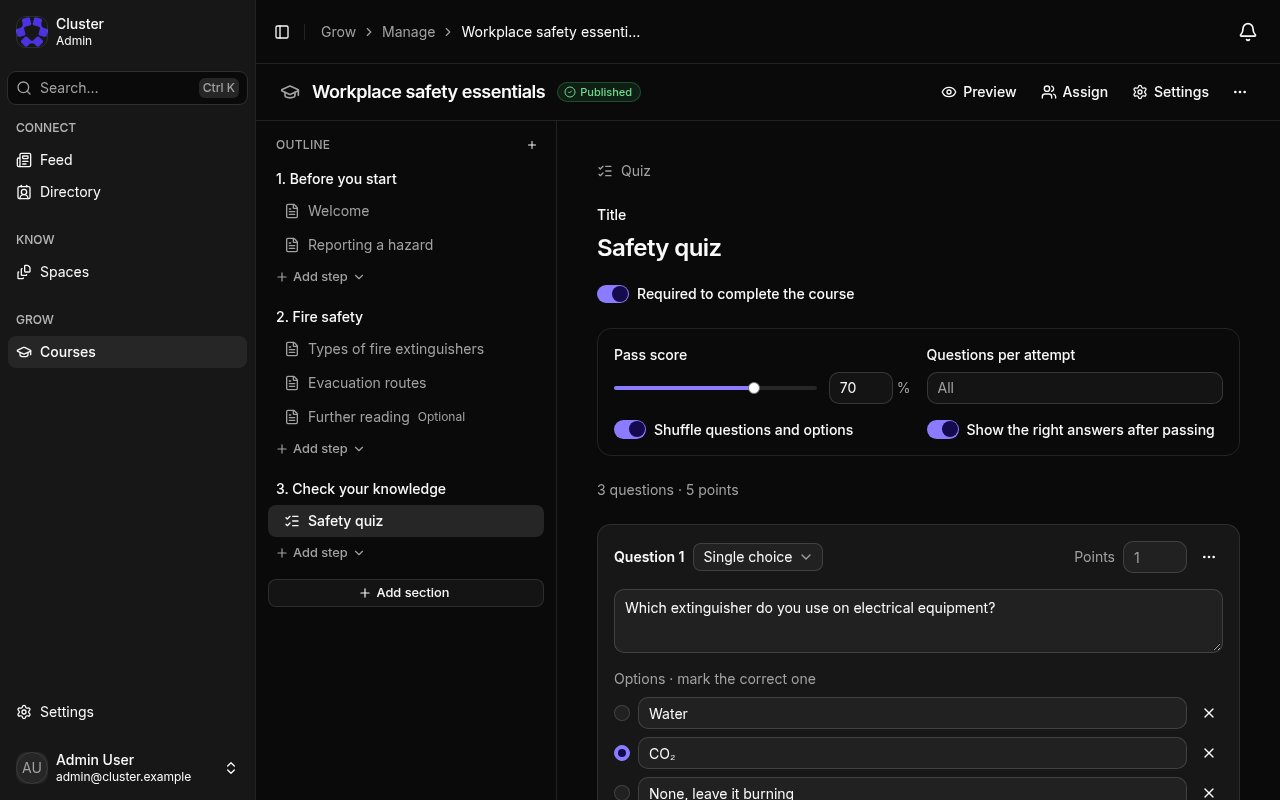
Add a Quiz step to any section in the course outline:
- Define questions (Single choice, Multiple choice or Written answer), answer choices, the Pass score, and how many Questions per attempt are drawn.
- A Written answer is graded by hand: it waits in Reviews until an author grades it, and only then is the step marked complete.
Mandatory assignments
Click Assign on a published course to assign it to:
- Specific people,
- Entire areas (from the organization tree), or
- Positions.
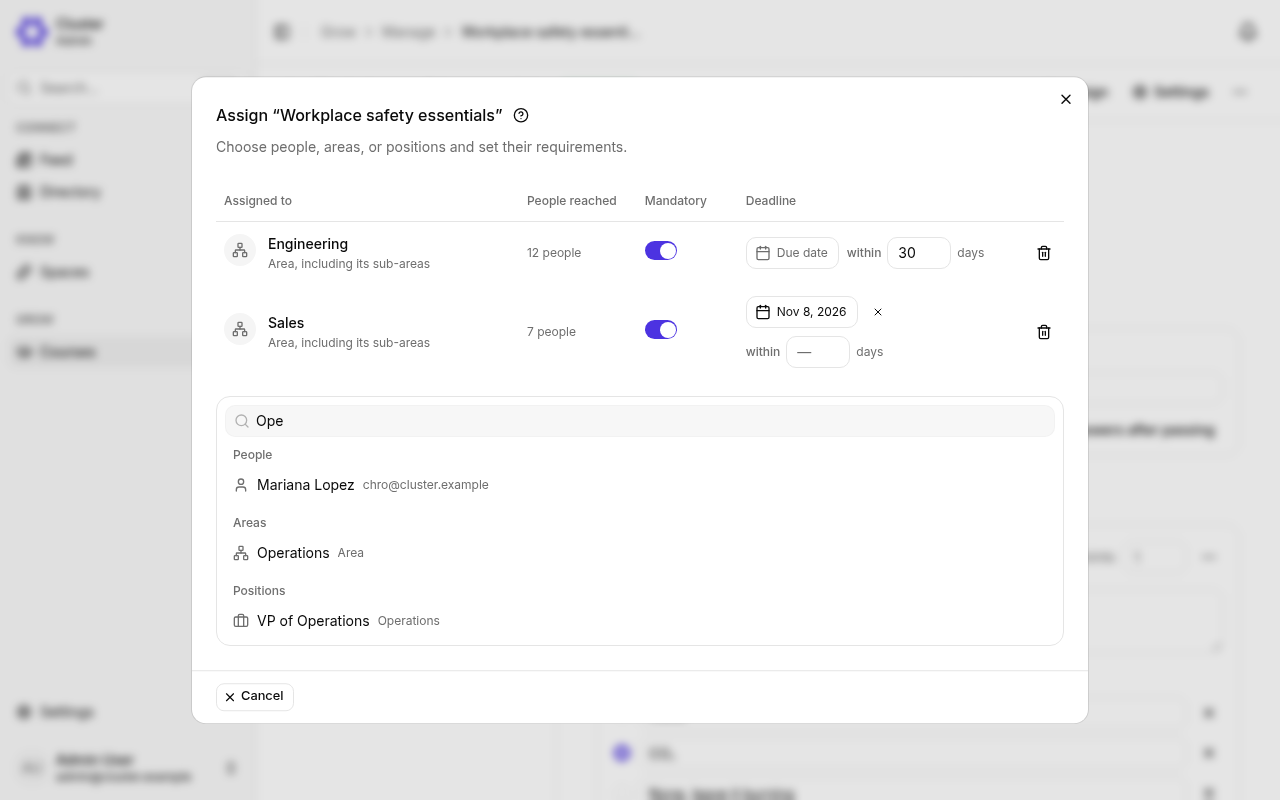
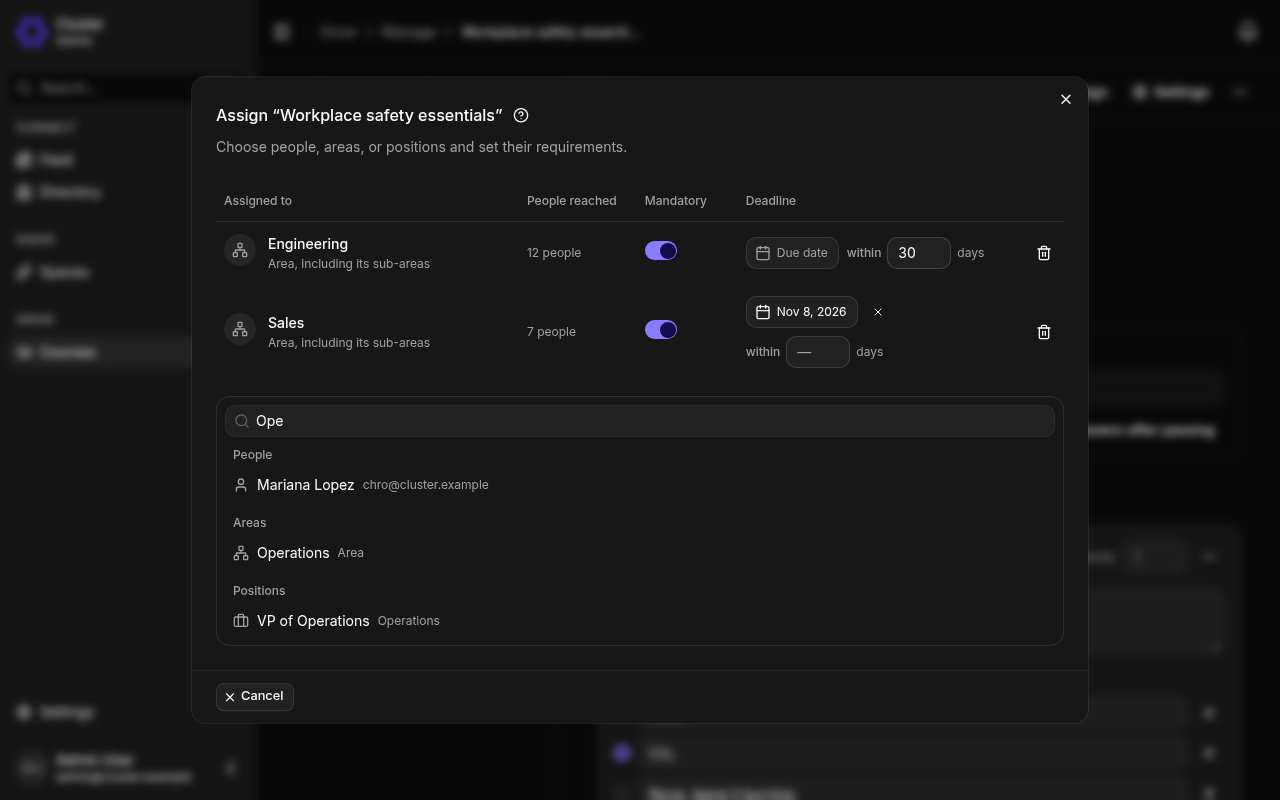
Set an optional due date to track overdue learners in compliance reports. When you assign to an area or position, members in that group receive the course in My learning and a pending count badge appears on Courses in the sidebar.