Reports and dashboard
Monitor mandatory training compliance, filter learner status, inspect certificates, and export CSV reports.
Administrators, course managers, and area managers track progress from Learning → Dashboard and Learning → Reports.
Dashboard
The Dashboard tab summarizes overall completion rates, overdue assignments, and pending quiz reviews at a glance.
Compliance reports
In Learning → Reports:
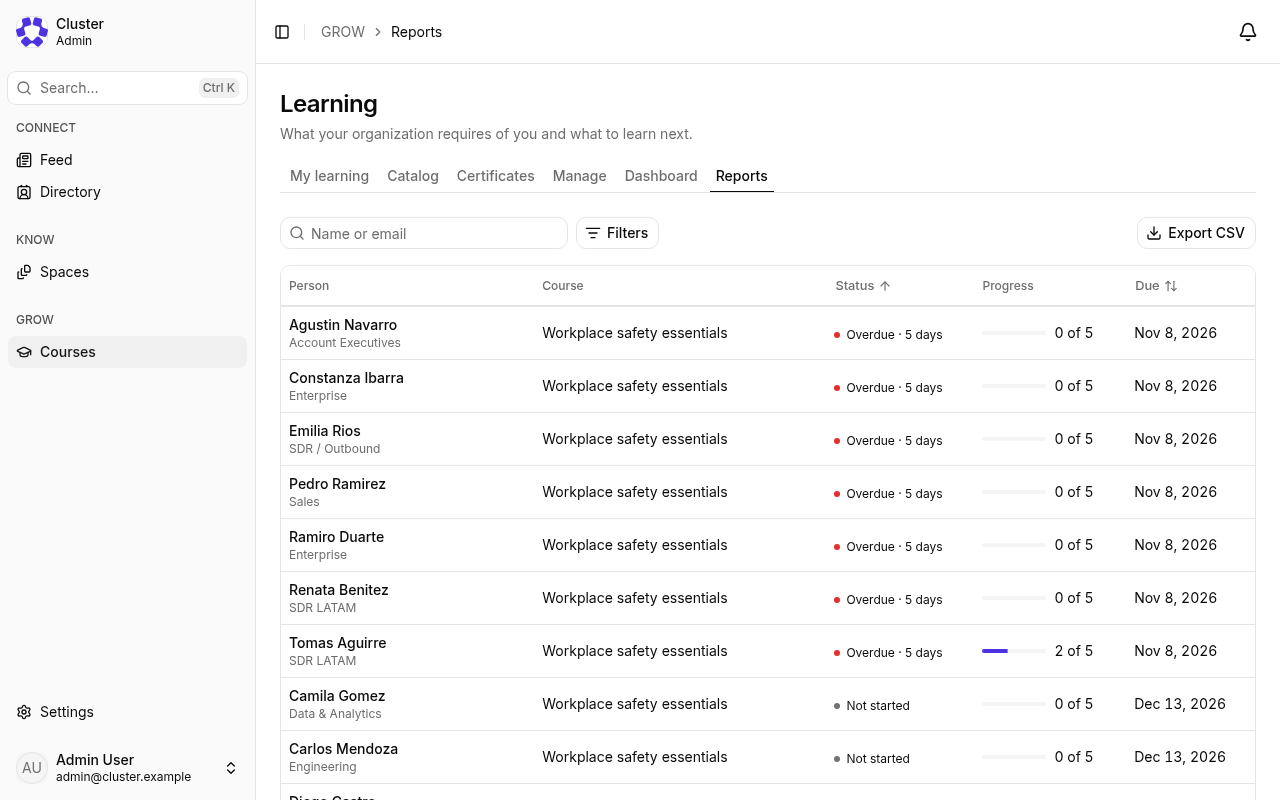
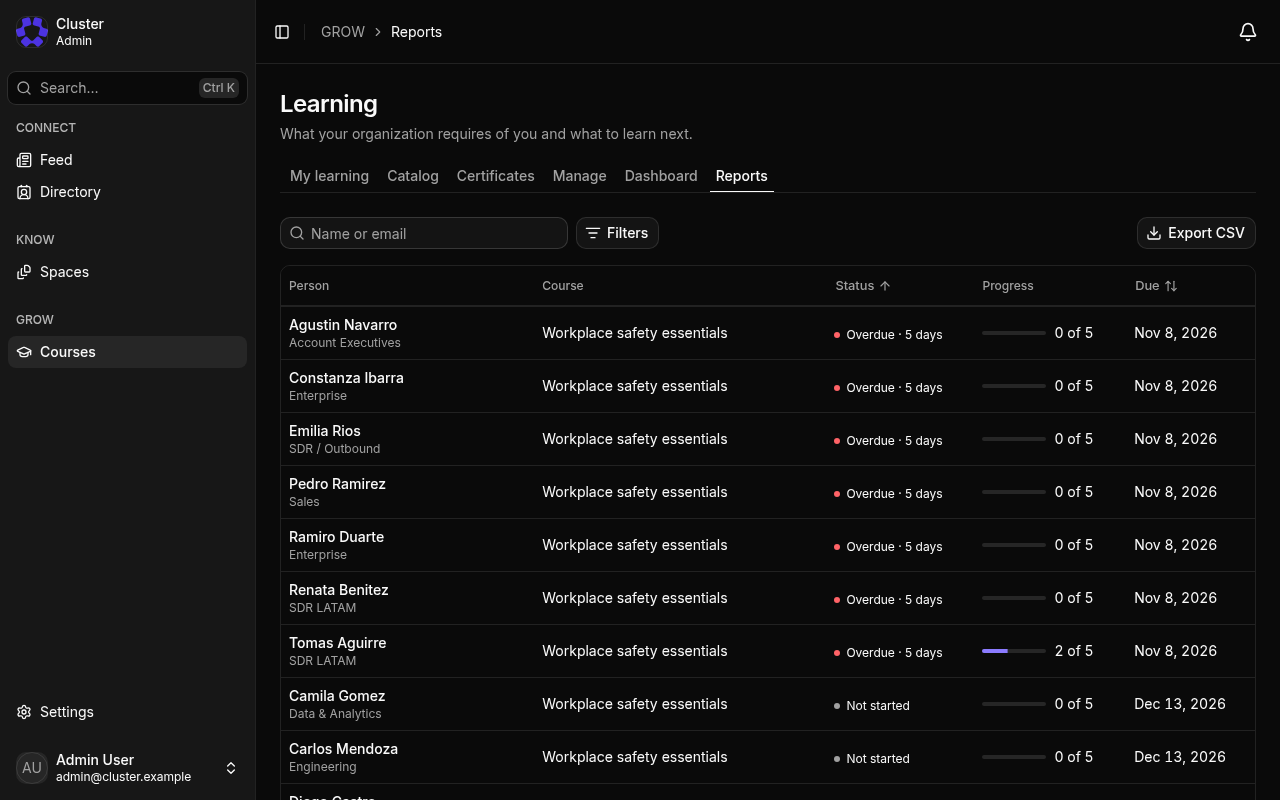
- Filter and sort: filter by course, area, status (pending, in progress, overdue, completed), or due date; filters stay in the URL for easy sharing.
- Person detail: click any row to open the person's detail sheet, inspect their progress per step, and view or download their issued certificate.
- CSV export: export the filtered report as a localized CSV file.
- Area-manager scope: area managers see learners within the areas they manage, while organization administrators see the entire organization.