Spaces and access
Organize knowledge into spaces, configure general access, and assign Viewer, Editor, or Manager roles.
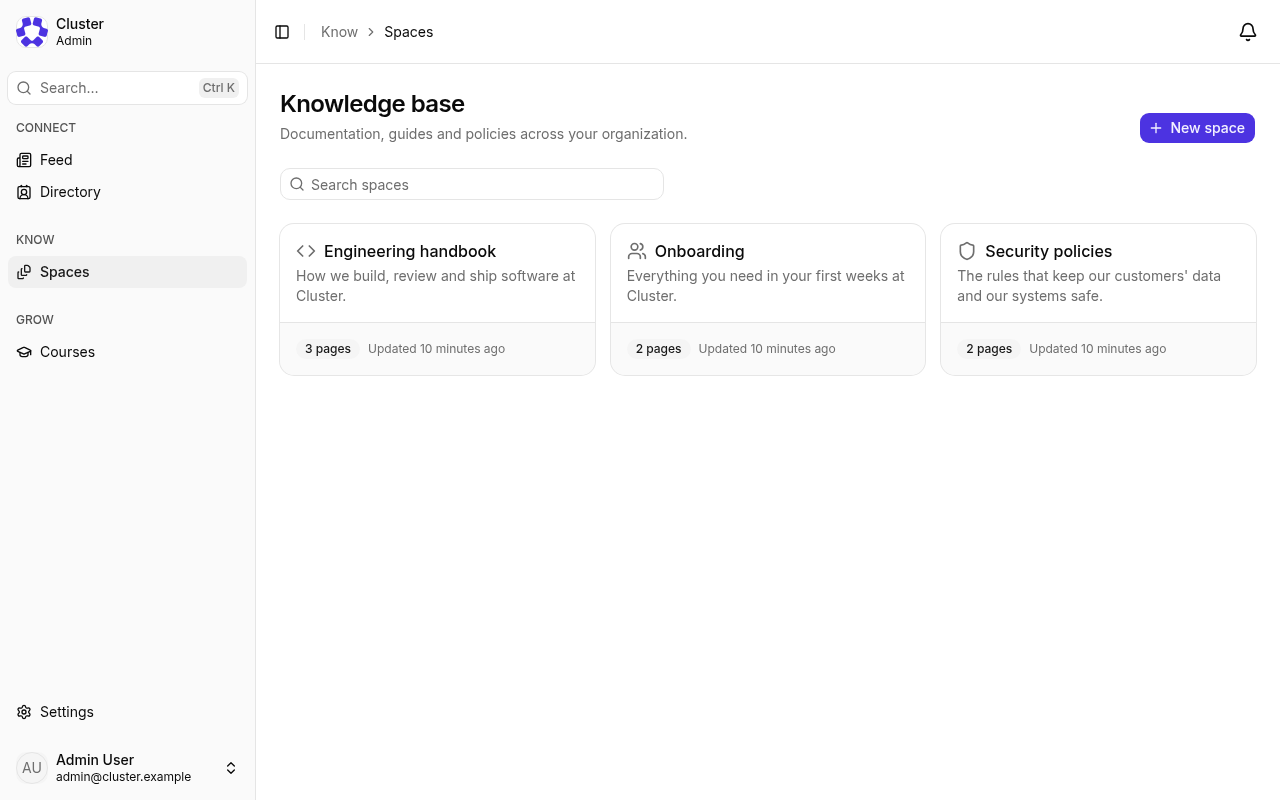
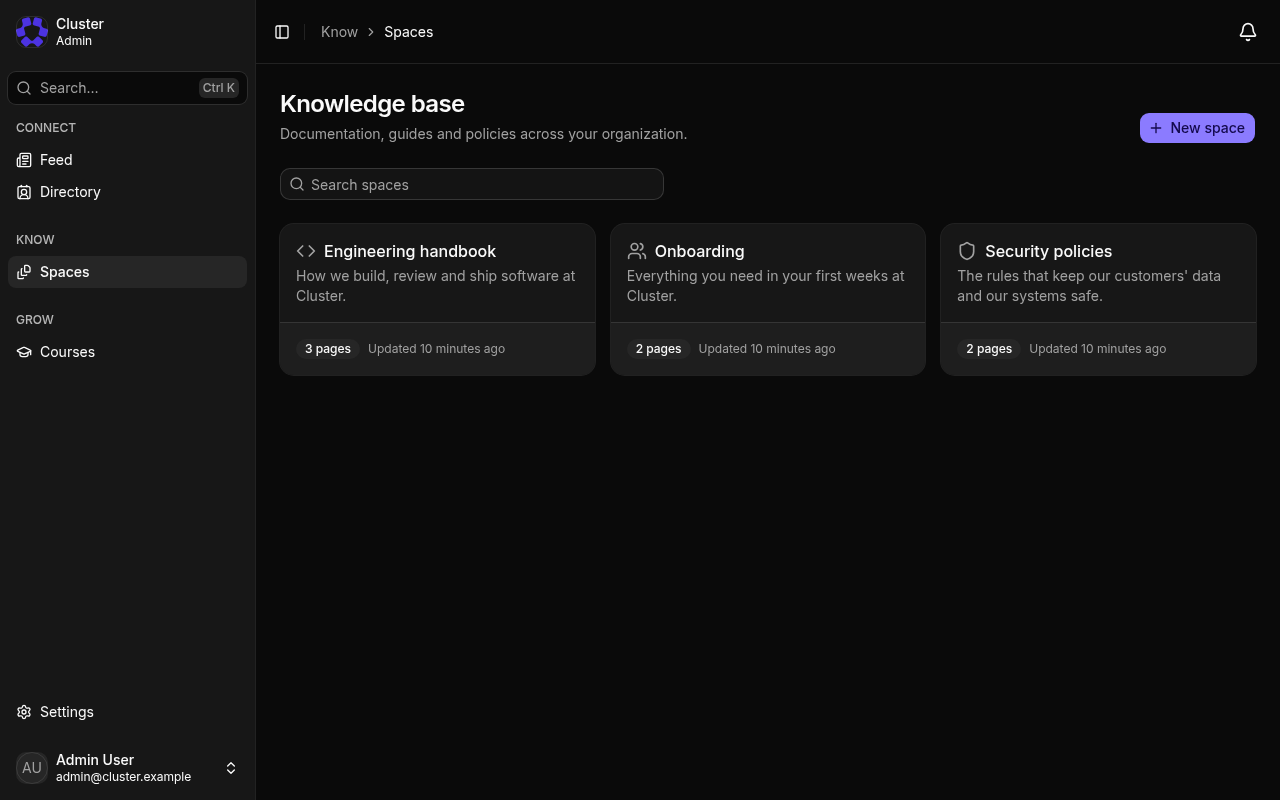
In KNOW (Knowledge base), pages are grouped into Spaces—for example, one space per team, department, or handbook.
Creating a space
- Open KNOW and click New space (available to administrators and members with the Create spaces permission).
- Enter a Name, pick an icon, and choose Who can open it (open to everyone in the organization or restricted).
- Once created, you can edit the space description collaboratively on the space home page.
Space roles and sharing
Click Share inside any space to manage General access and per-principal permissions for specific people, areas, or positions:
| Role | What they can do |
|---|---|
| Viewer | Reads published pages and attached files. |
| Editor | Writes, edits, imports, and publishes pages. |
| Manager | Also edits space settings, files, and who has access. |
If you remove a person's access to a space while they are editing a page in real time, their live editing session is disconnected immediately.