Pages and realtime editing
Create, organize, publish, and co-edit KNOW pages in real time, or import and export Markdown.
Page tree and drafts
- Each space has a hierarchical page tree in the left sidebar. You can nest sub-pages, move pages to another parent, and reorder siblings.
- New pages start as Draft (visible to Editors and Managers). Publish a page so Viewers can read it.
- Open Details on a page to view metadata, tags, and table of contents.
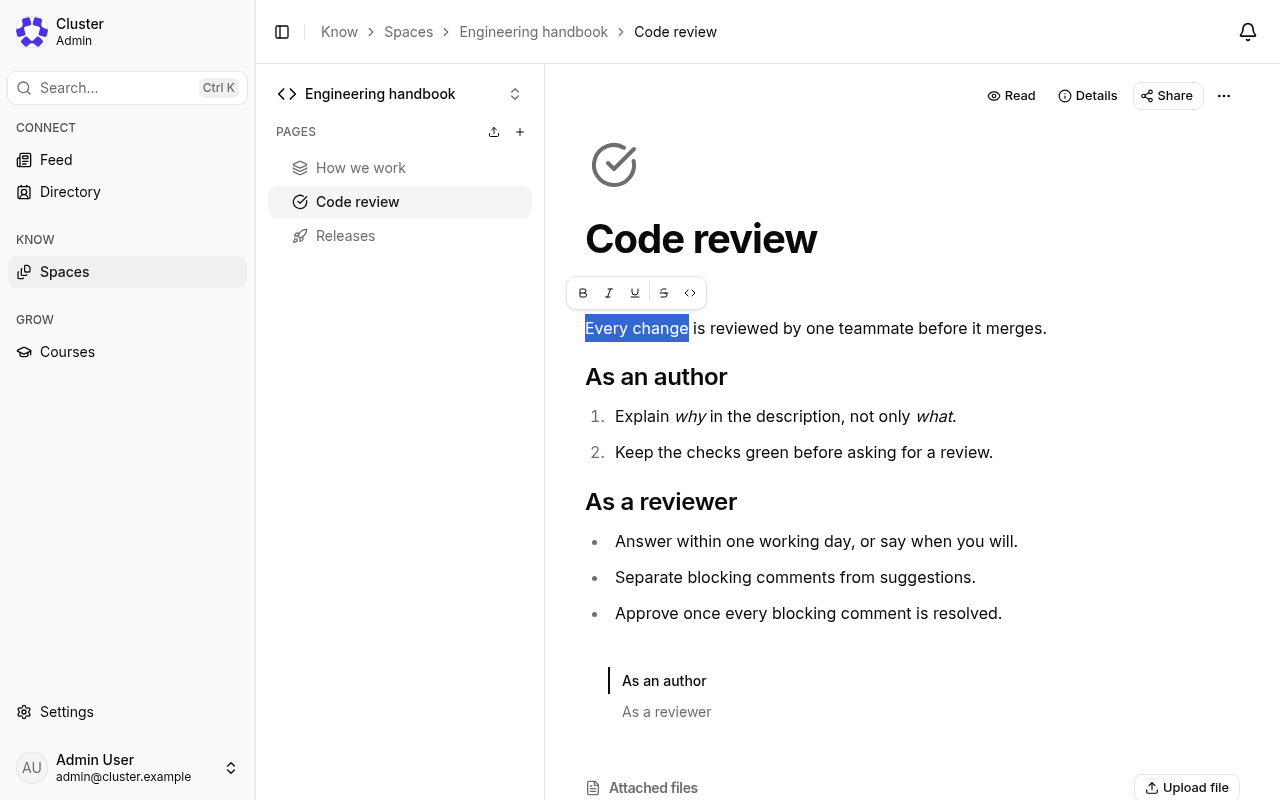
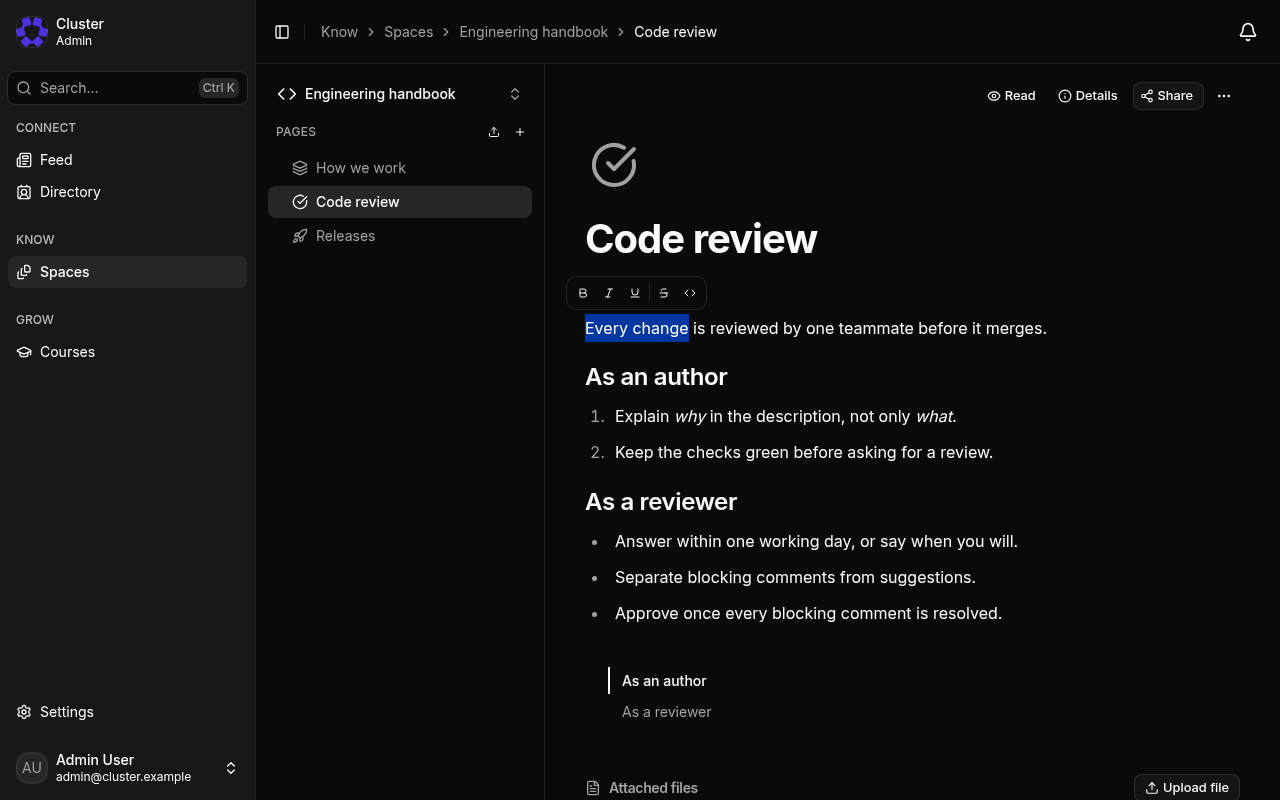
Realtime collaborative editor
Multiple people can edit the same page (or space description) simultaneously:
- Changes sync automatically over WebSockets through the
collabservice. - Use formatting controls, headings, lists, tables, callouts, images, and file cards.
- If the collaboration server is temporarily unreachable, the editor indicates an offline state and pages remain readable and editable via standard actions.
Markdown import and export
- Import Markdown: from a space, import a
.mdfile to create a draft page (a first-level#heading becomes the page title). Raw HTML is stripped on import. - Export: export any page back to a
.mdfile from the page actions.