Activity log and instance settings
Review the organization audit trail and manage instance-wide settings as a superadmin.
Organization activity log
Open Settings → Activity to inspect an audit trail of administrative changes in your organization, including:
- Organization settings, module toggles, and theme updates.
- Member invitations, bulk imports, profile updates, and 2FA resets.
- Area, position, and capability changes.
Use Load more to paginate through older entries.
Instance settings (superadmin)
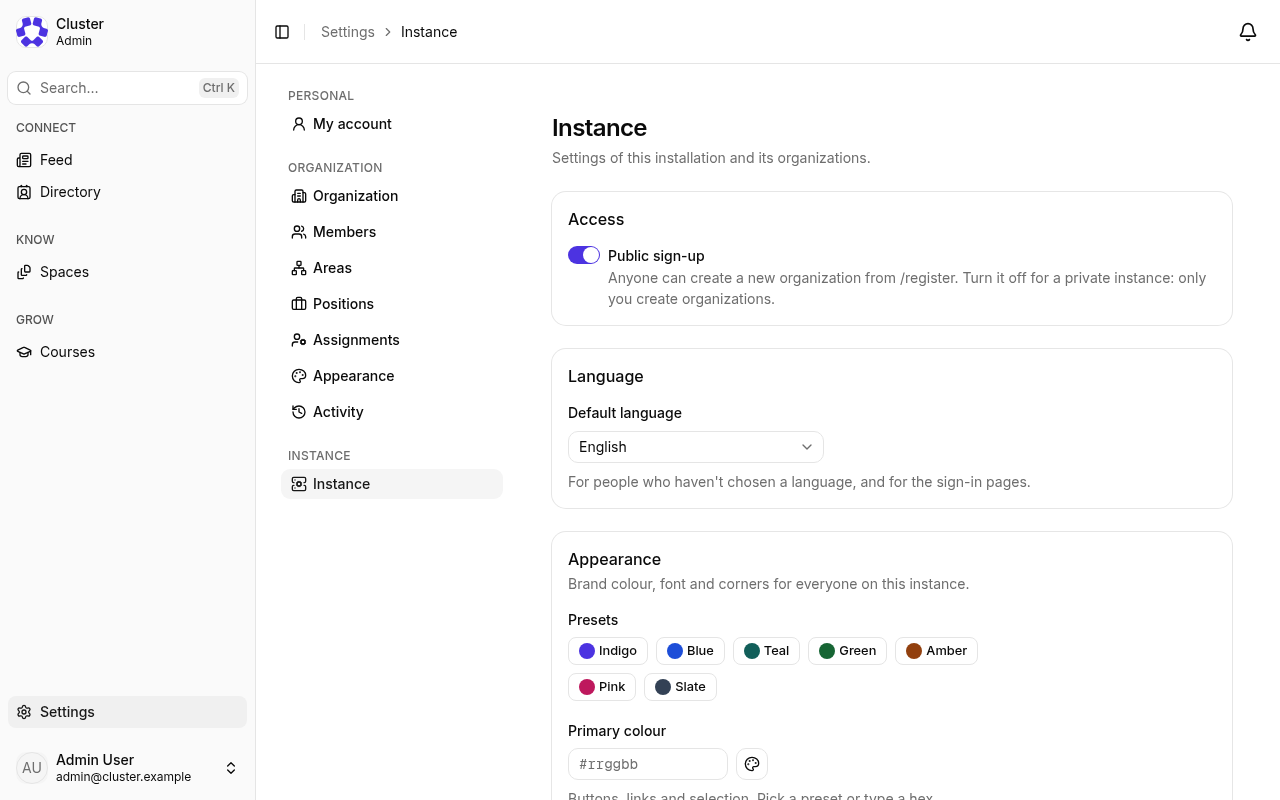
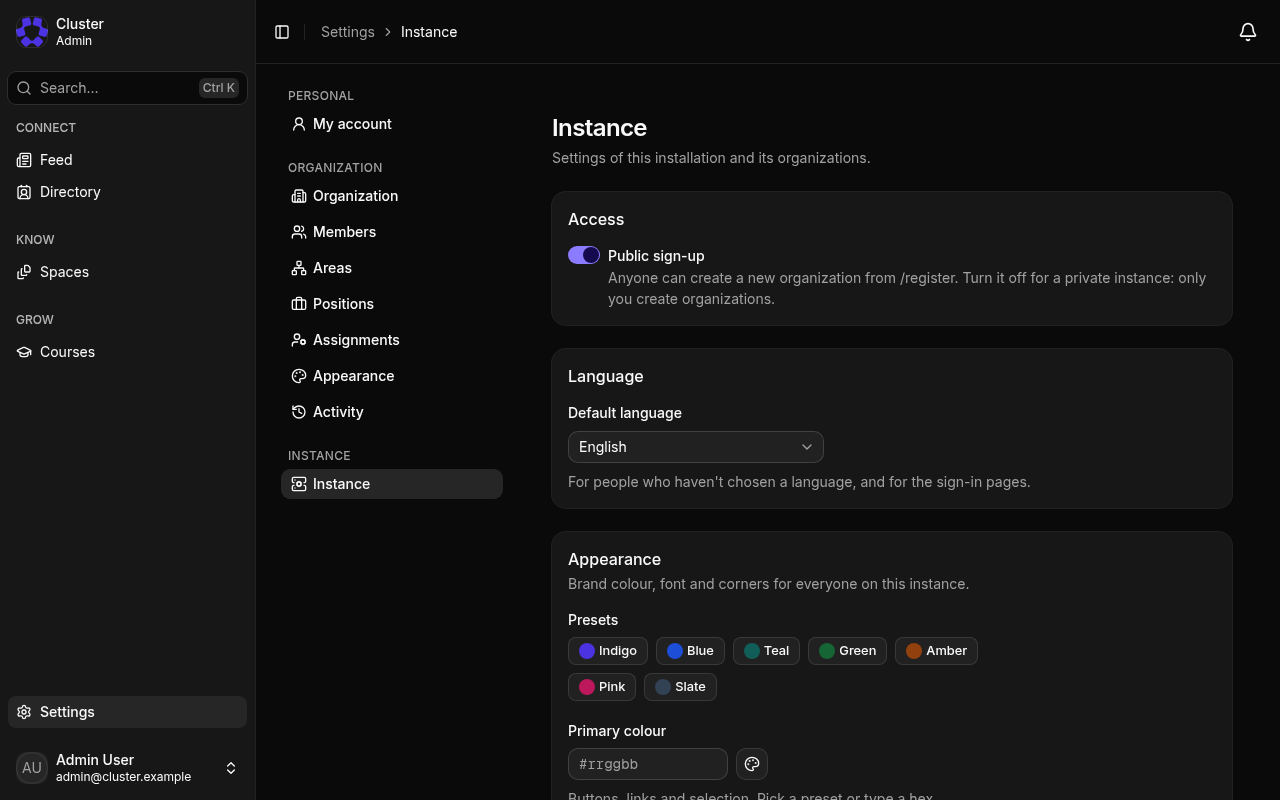
Superadmins have access to Settings → Instance to manage the entire deployment:
- Available modules: choose which modules (KNOW, GROW, CONNECT, LIFE) organizations on this instance are allowed to enable.
- Public sign-up: turn self-service registration on or off. For private company instances, keep this turned off.
- Appearance & organization theming: set the instance's default brand colors, font, and corner radius, and decide whether individual organizations can customize their own theme.
- Organizations: create new organizations (with an initial administrator), view member counts, toggle per-organization theming or node isolation, and Suspend or Reactivate organizations.
Superadmin accounts are protected from organization-level edits and must always sign in with two-step verification (2FA).