Areas, positions, and assignments
Build your organization tree with areas and managers, define positions, and assign people.
Cluster uses Areas and Positions to structure your organization, power the CONNECT org chart, and target mandatory GROW course assignments.
Areas
Open Settings → Areas:
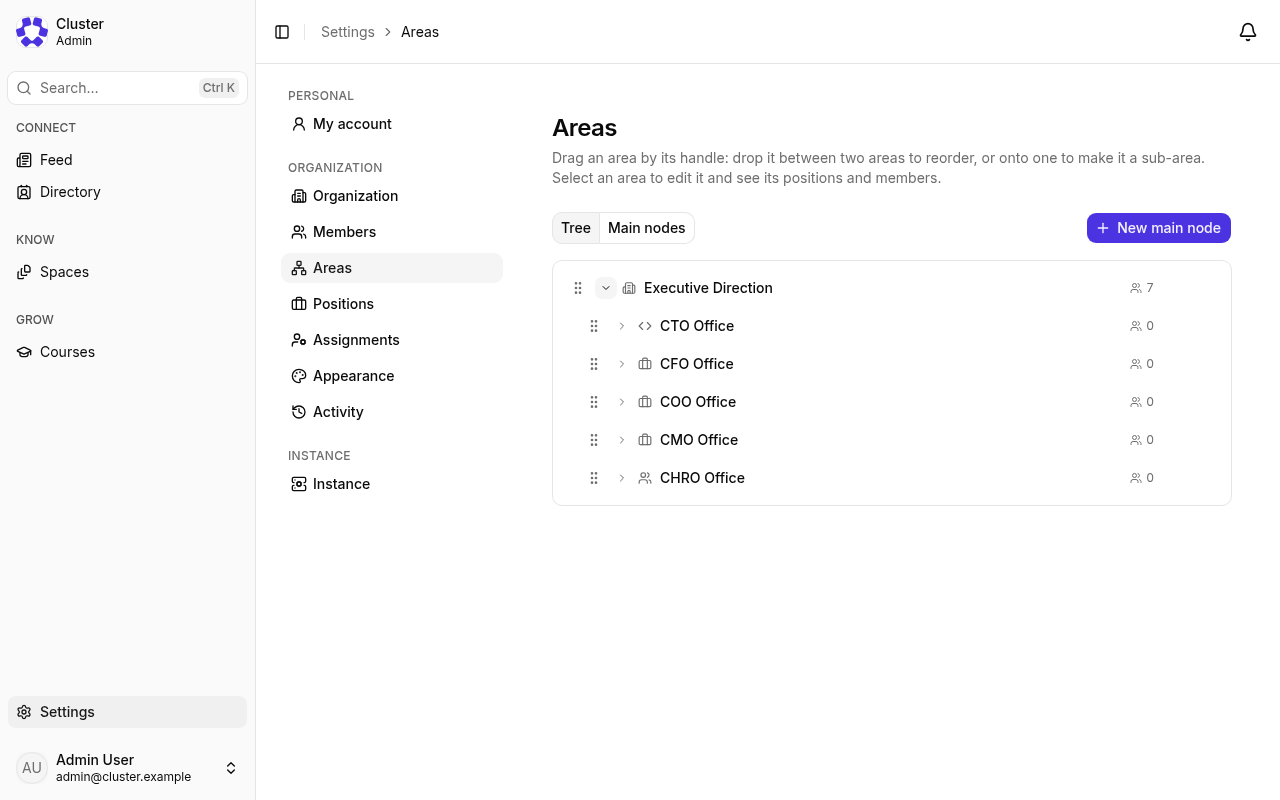
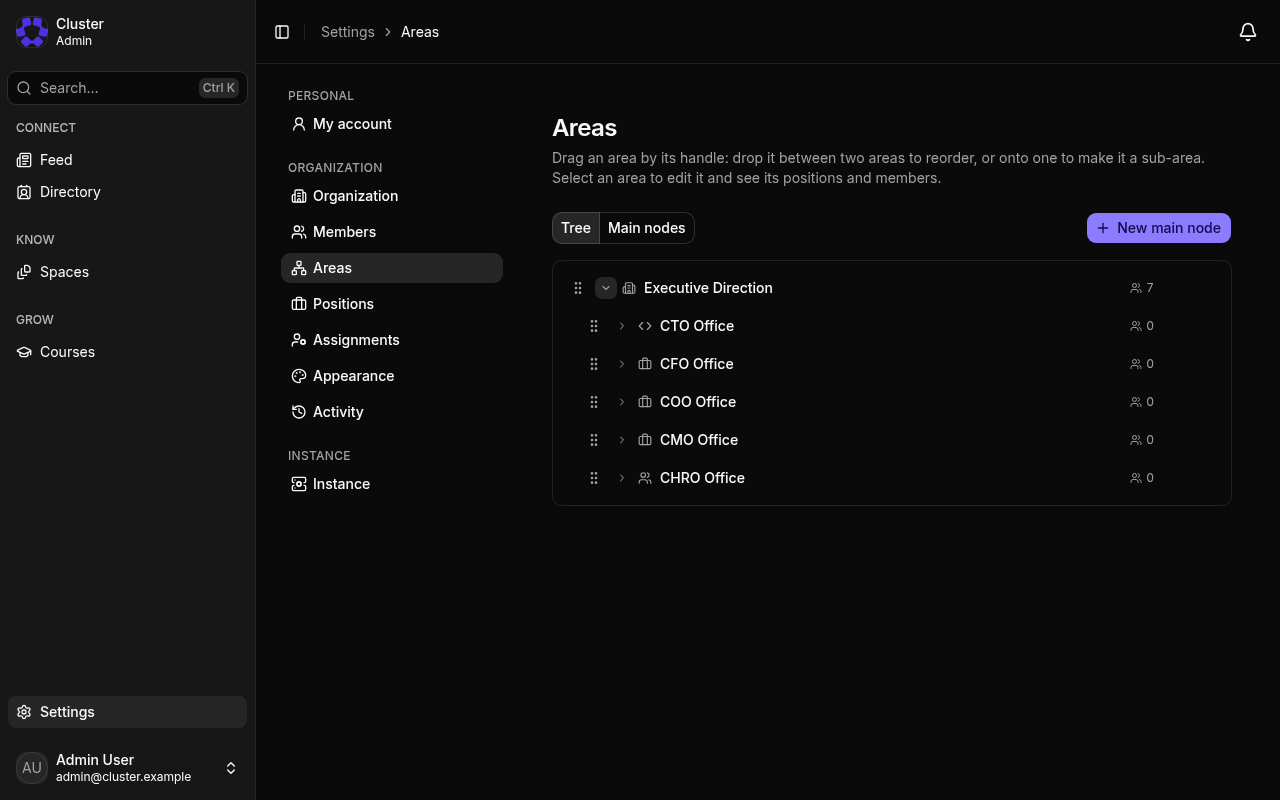
- New main node: create top-level areas (such as departments, divisions, or external units).
- Sub-areas and reordering: create child areas under any node, or drag and drop areas in the tree (with keyboard support and Undo) to reorganize or reorder siblings.
- Area details: select an area to view or change its manager (who receives scoped access to GROW compliance reports for their subtree), positions, and assigned people.
Positions
Open Settings → Positions:
- Click New position to add a position to the catalog and optionally link it to an area.
- Archive or delete unused positions from the table actions.
Assignments
Open Settings → Assignments (or drag people onto areas in the tree) to assign members to their area and position. When you assign a GROW course to an area or position, everyone in that group receives the assignment automatically.