Learning and certificates
Take assigned or catalog courses in the GROW player, complete quizzes, and verify issued PDF certificates.
My learning and Catalog
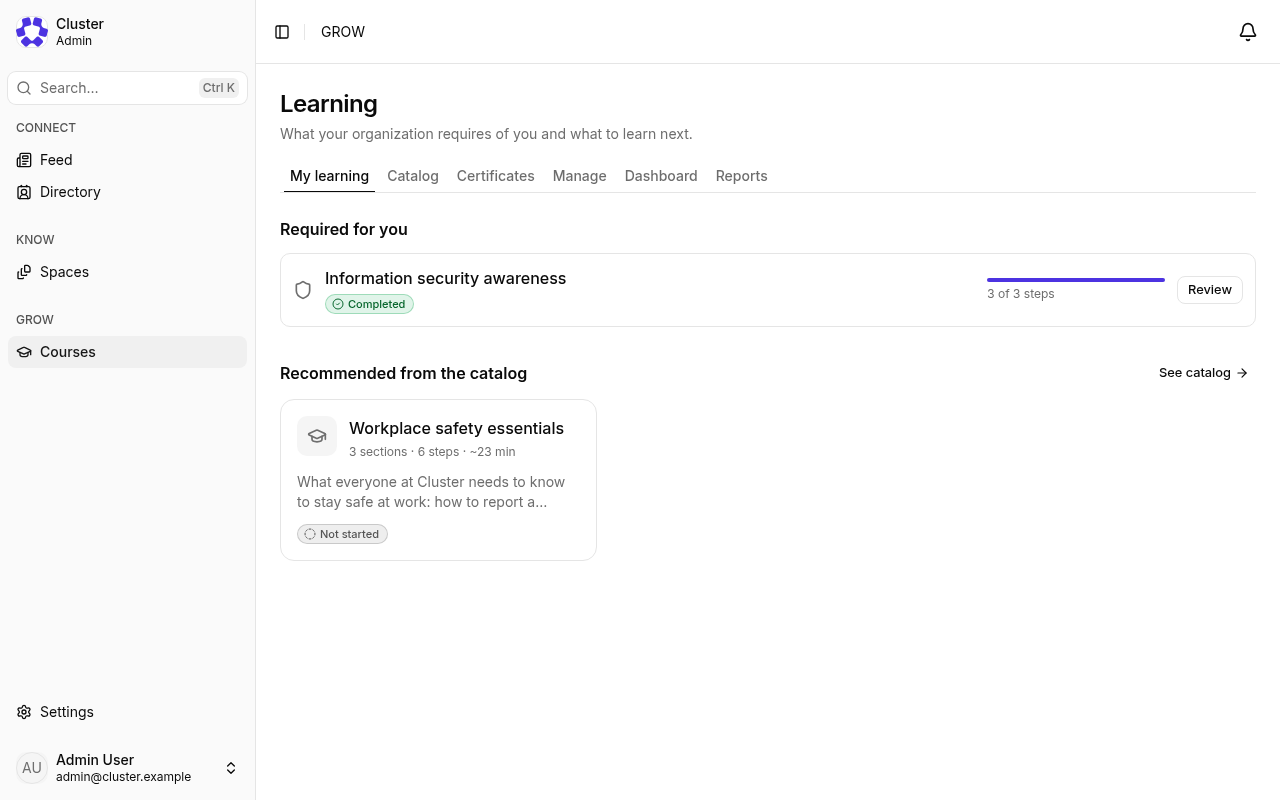
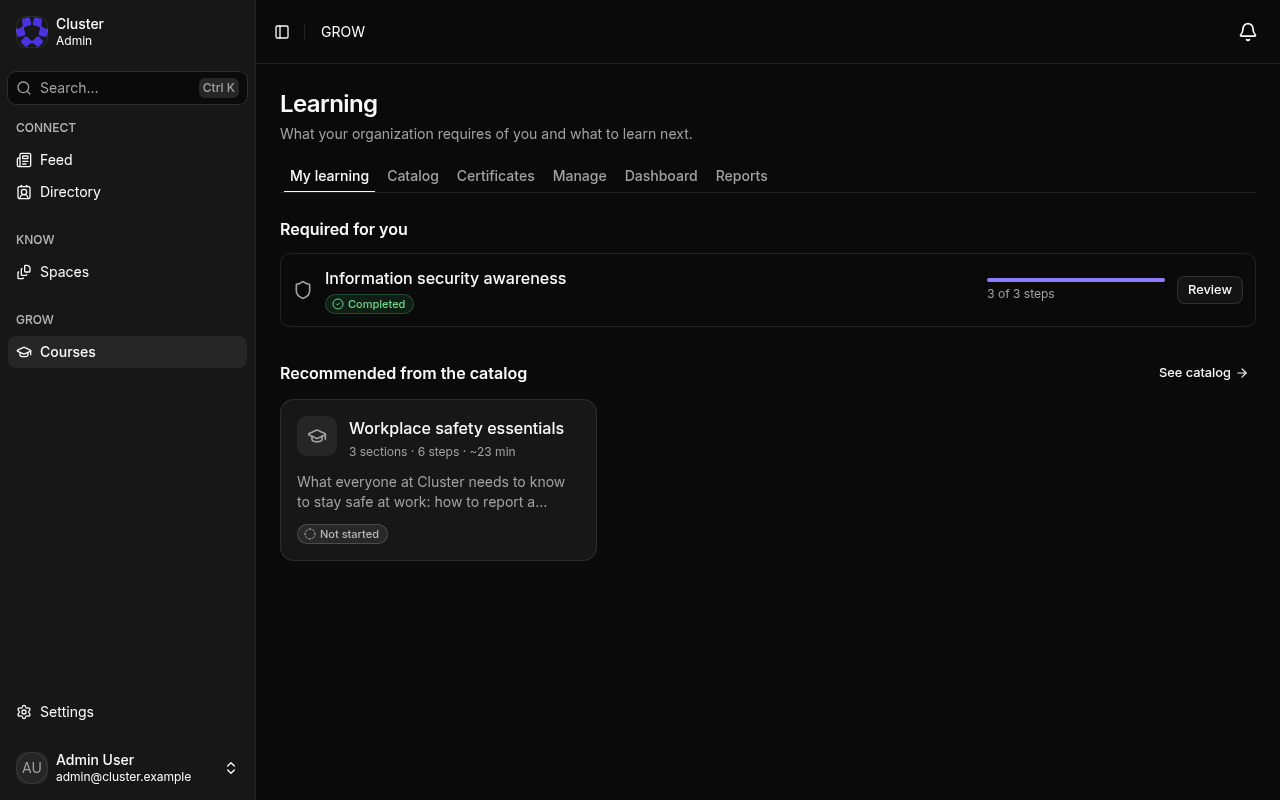
- Learning → My learning: lists your active, assigned, and completed courses, highlighting mandatory assignments and due dates.
- Learning → Catalog: browse published non-restricted courses available for self-enrollment.
Course player
Open any enrolled course to launch the player:
- Navigate steps from the outline (on smaller screens, open the outline sheet).
- If Sequential order is enabled, locked steps unlock as you complete earlier ones.
- Complete text, video, file, and quiz steps to reach 100% completion.
Certificates and public verification
When a course has Issues certificate enabled, completing all required steps generates a PDF certificate under Learning → Certificates.
- Each certificate includes the learner's name, course title, organization name at the time of issue, completion date, and your organization's accent color.
- Anyone can verify a certificate's authenticity using its public verification link (
/verify/<code>), without signing in.